
Blog
Guides and updates for modern frame shops.
Practical tutorials, pricing guidance, and workflow ideas for shops using FramingPOS.
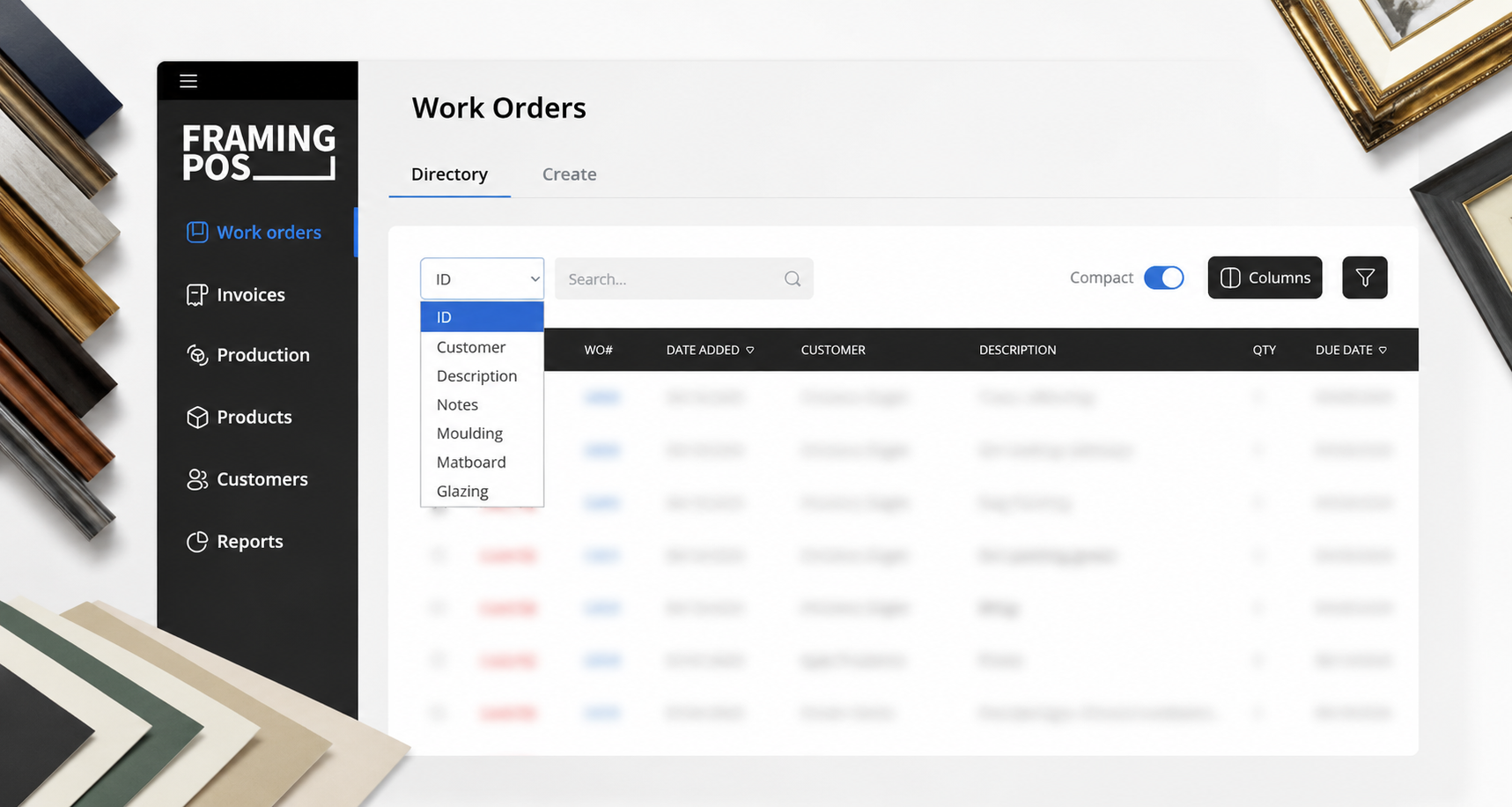
Smart Work Order Search for Picture Framers
If you’ve ever spent too much time digging through old work orders, you know how frustrating it can be. That’s why we built a smarter search right into FramingPOS.
Read article →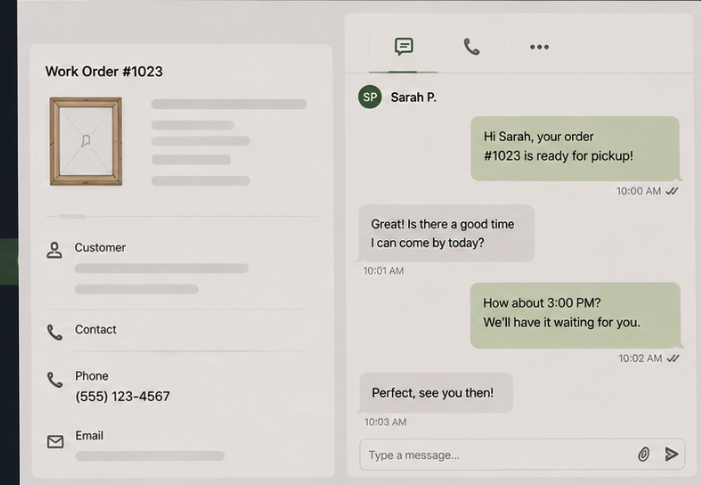
Text Customers Directly From Framing POS
Good communication is a big part of running a smooth frame shop. With this update, texting becomes part of your normal workflow instead of something separate you have to manage on the side.
Read article →
Why Framing POS Costs Less
A closer look at how focused frame shop software keeps pricing predictable with a flat monthly plan, core tools included, and fewer surprise add-ons.
Read article →
How to Connect Google Calendar or Outlook Calendar with Framing POS
Sync work order due dates to Google or Outlook Calendar, color-code priorities, and jump from calendar events back into the original work order.
Read article →Sell Closed Corner Frames and Auto-Calculate Shipping & Oversize Fees
Set vendor rules for base shipping, oversize tiers, and dimension-based charges so closed corner frame quotes account for shipping costs before checkout.
Read article →How to Manage Non-Taxable Labor in Framing POS Software
Learn how to add fitting and labor charges while keeping taxable and non-taxable line items clear on work orders, invoices, and customer paperwork.
Read article →How to Update Distributor Info in Framing POS
Keep vendor contacts, account numbers, purchasing preferences, and internal notes up to date so purchase orders carry the right details.
Read article →Set Up Pricing Formulas for Moulding, Mats, Glazing & ODEN
Build formulas around wholesale costs, markups, united inches, labor, and oversize rules so pricing stays consistent across common framing materials.
Read article →Manage and Create Purchase Orders in Framing POS
Generate purchase orders from incomplete work orders, adjust quantities, send vendor PDFs, and monitor locked or closed orders from one workflow.
Read article →